
Clinical Operations Suite
A clinic-first operational system to streamline patient flow, OP workflows, pharmacy, lab, and reporting — designed for real-world staff speed and clarity.

Built for clinics that run on pace, not paperwork.
Most clinic software fails at the point of use — front-desk speed, doctor time, and cross-department handoffs. We designed this suite around the reality of OP-heavy clinics where every second matters.
The system keeps registration, consultation notes, history, pharmacy, lab, and reports connected — so teams spend less time switching tools and more time serving patients.
System Modules
Modules can be enabled in phases — start with OP workflow, then expand to pharmacy, lab, and reporting.
Front Desk & Queue
Fast intake, patient profiles, visit reasons, tokens/queue management, and staff shortcuts.
Doctor Consultation
Structured notes, past visit history, e-prescriptions, attachments, and follow-up logic.
Pharmacy & Dispense
Prescription-linked dispensing, real-time stock visibility, and minimal-click billing.
Automated Lab
Order investigations, track sample status, attach digital results, and auto-publish reports.
Roles & Controls
Granular staff roles, permissions, detailed activity history, and operational accountability logs.
Operational Dashboards
Visit volume, revenue signals, doctor-wise statistics, and daily summary reports.
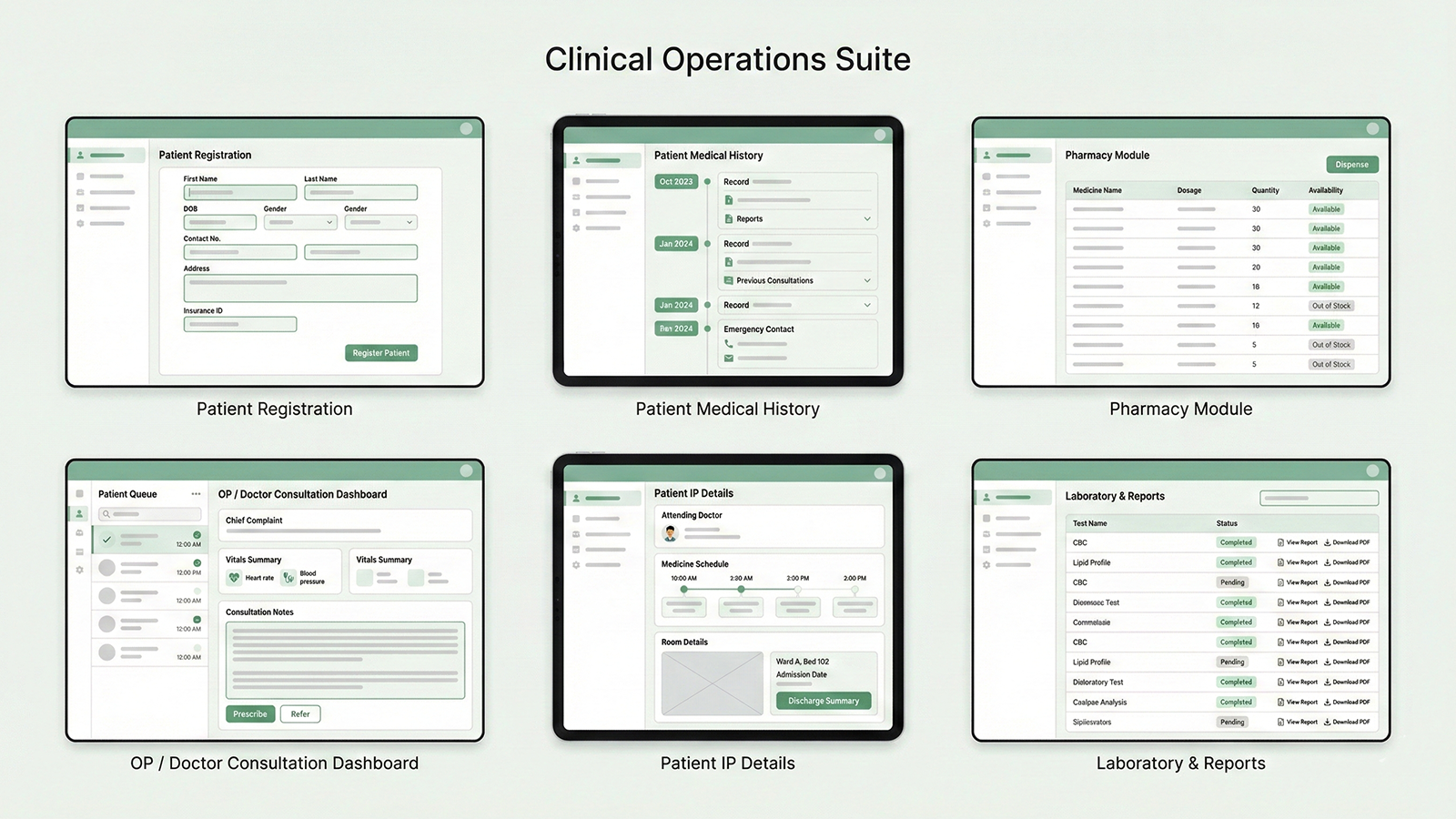
Desktop & tablet-ready workflows
Your screens are designed to be used all day — by staff who don’t have time to “learn” the UI. Every flow favors speed, legibility, and fewer clicks.
Want to see it mapped to your workflow?
We’ll walk through the modules, the user journeys, and the deployment approach — then recommend the cleanest path to adopt it for your operations.
Direct access to the partners. No sales layers.